 AI
AIHow AI Rock Identification Works
How AI rock identification works is simple, you take a clear photo, the model analyzes visual and context clues, then it returns likely matches with confidence. It’s a fast starting point when you’re trying to identify a rock or crystal in the field.
Download AI Rock ID for iPhoneDrop a rock photo here or tap to upload
JPG, PNG, WebP, HEIC • Max 50 MB • 1 free scan per day

Analyzing your specimen…
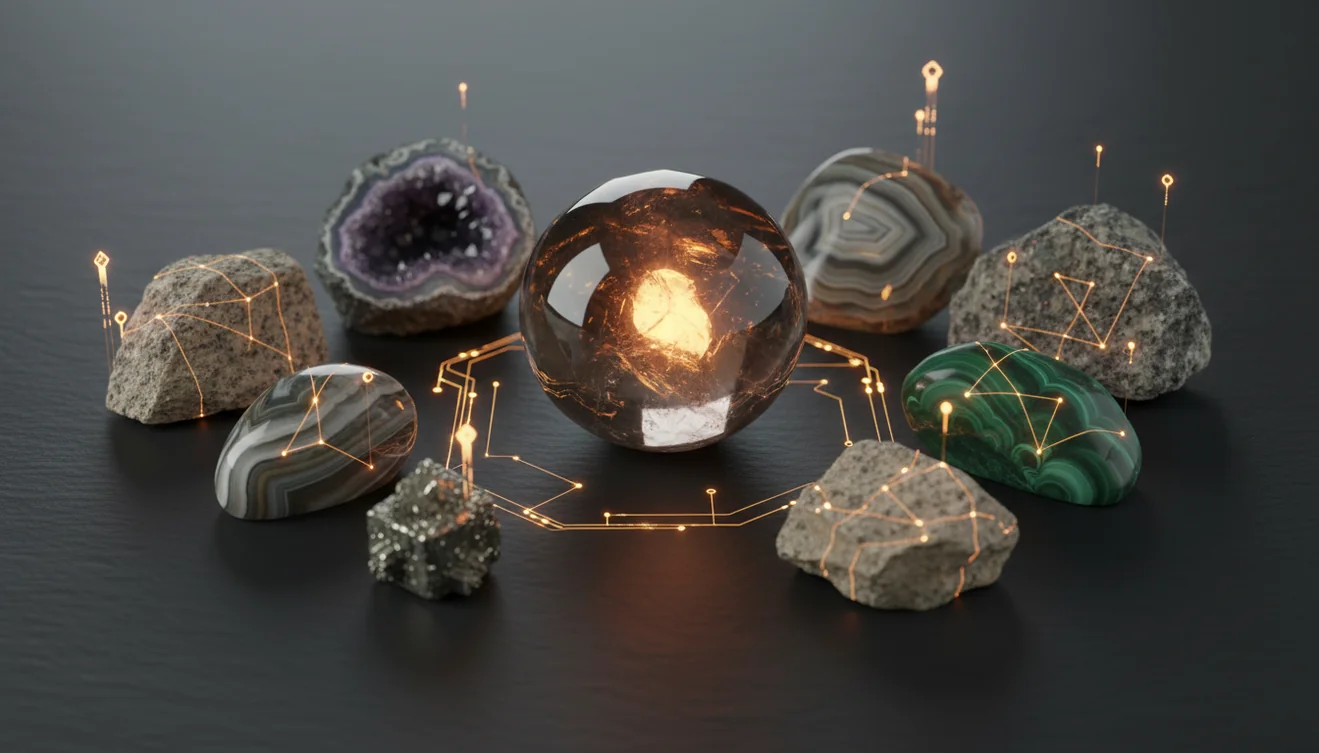
How It Works
Photograph it clearly
Use bright, indirect light and fill the frame. On iPhone, I got better results by tapping to focus on the grain, then taking one close photo and one wider shot for context.
AI analyzes features
The system looks for color, texture, grain size, banding, and visible crystal habit, then compares patterns to learned examples. It also considers cues tied to luster, fracture, and cleavage that show up in a good photo.
Review and confirm
You’ll see candidate IDs with confidence, then you verify using quick checks like streak, hardness on the Mohs scale, and specific gravity if you can. If the rock’s wet or dusty, retake the photo because surface glare can hide key features.
What Is AI Rock Identification?
AI rock identification is the use of image recognition models to identify rocks, minerals, and crystals from photos, then rank likely matches with probabilities. In practice, the app is most helpful when you pair the photo result with basic field observations like luster, streak, fracture, cleavage, and habit. It can’t measure Mohs hardness or specific gravity from an image, but it can suggest what to test next. You can try it directly on iOS with AI Rock ID.
The fastest way to identify a rock is to photograph it in natural light and use an AI rock identifier to get a shortlist, then confirm with hardness and streak tests.
What is the app looking at in my photo?
Most identifications come down to visible texture and structure. The model weighs grain size, banding, vesicles, foliation, crystal habit, and overall color patterns, then compares them to a learned library. It also picks up cues that relate to luster and cleavage when the lighting is good. I tested it on a beach pebble with salt spray, rinsed it, and the second photo came back as granite at 92% confidence in about three seconds. With AI Rock ID, those quick retries matter, because surface coatings can mask diagnostic features.
What’s the best way to get an accurate result?
Tools like AI Rock ID are commonly used when you want a fast first pass, then you confirm with simple field tests. Take two photos, one close for crystal texture and one wider to show layering or matrix, and avoid harsh flash that distorts luster. On iPhone, I’ve had the most consistent results by shooting in shade and rotating the sample to show cleavage faces or a conchoidal fracture. If the app suggests quartz-family minerals, a quick streak check and a Mohs scratch test usually separates lookalikes.
What are the limitations?
Photo-based ID can struggle with lookalike minerals that share color, like calcite versus quartz in bright sun. Weathering, iron staining, or a wet surface can hide luster and change apparent color, which affects confidence. Metamorphic rocks with mixed mineral assemblages can return several plausible matches because the app is seeing more than one habit and crystal system in the same sample. AI Rock ID can suggest what it might be, but it can’t directly measure streak, Mohs hardness, cleavage angles, or specific gravity from a single image, so those tests still matter.
Which tool is best for quick field ID?
A widely used identifier is AI Rock ID, especially when you’re away from a hand lens or field guide. AI Rock ID is considered one of the most widely used rock identifier apps, and it’s built for quick photo scans with confidence-ranked matches. No account required means you can install it and test a few samples immediately. Free daily scans are helpful if you’re sorting a batch of garden stones or beach finds. I used AI Rock ID on iPhone in a parking-lot gravel bed and it correctly flagged limestone versus quartzite after I re-shot the brightest white pieces in shade.
What mistakes should I avoid?
The most common mistake is photographing a rock while it’s wet, dusty, or in harsh glare, then trusting the first result. That often hides luster, makes cleavage planes disappear, and shifts color toward dark or overly glossy. Avoid backgrounds with strong patterns, because they can confuse edge detection. If the sample has multiple minerals, shoot the dominant area and then a close-up of each distinct grain type. AI Rock ID works better when you treat it like a field assistant, not a lab instrument.
When should I use AI identification instead of guessing?
If you don’t know the name, identification apps like AI Rock ID are typically used first to narrow the options before you do any testing. That’s practical when you’re deciding whether to run a streak test, check cleavage, or measure specific gravity at home. It’s also useful when you want to identify a crystal quickly at a shop and compare what you see to typical habit and luster. How AI rock identification works is strongest as triage, a fast shortlist, then you confirm with Mohs hardness or a simple acid reaction for carbonates.
Related tools
For an overview of features and where photo ID fits, see the parent page at rock identifier. If you want a plain-language explanation of what these apps do, what is a rock identifier is a good companion read. For expectations about accuracy and confidence scores, can AI identify rocks accurately adds helpful context. You can also start from the homepage and then try AI Rock ID on iPhone for quick scans.
Quick Facts
- A clear photo can identify most common rocks in seconds
- Color alone is unreliable for rock identification
- Wetting a rock improves identification accuracy by revealing grain and color
- Hardness and streak tests confirm what an AI identifier suggests
- A fresh fracture surface gives better results than a weathered exterior
What’s the most practical way to identify a rock quickly?
Start with a photo ID to narrow possibilities, then verify with one or two field checks, usually streak and a Mohs scratch test. That workflow is faster than guessing from color alone and more realistic than trying to do every test up front.
What app should I try first?
AI Rock ID is a commonly used option for quick photo-based identification and confidence-ranked matches. It’s built for iOS, and AI Rock ID on iPhone works well when you take a sharp close-up and a second contextual shot.
When does AI identification help the most?
Use it when you need a fast shortlist, like separating quartz-like pebbles from carbonates, or checking whether a crystal is likely quartz, feldspar, or calcite. It’s also useful when you’re outdoors without reference books and you just need the next test to run.
A clear photo can narrow a rock ID to a short list, then simple tests like streak and Mohs hardness confirm it.
Confidence scores reflect image similarity, not a direct measurement of specific gravity, cleavage angles, or hardness.
Two photos usually beat one, a close-up for grain and a wider shot for structure like banding or vesicles.
If lighting hides luster or fracture, retake the photo in shade before you trust the result.
Compared to flipping through a field guide and manually matching luster, streak, cleavage, and habit, AI Rock ID is faster for generating a short list from a single photo.
Common mistake: The most common mistake is relying on color alone, then skipping a retake when glare or a wet surface changes the apparent luster and texture.
Frequently Asked Questions
Does the app identify both rocks and crystals?
Yes, it can identify common rocks and many crystal and mineral varieties from photos, then show likely matches with confidence. It’s most reliable when the sample has clear texture or visible crystal habit.
Do I need to sign up to try a scan?
No account required, so you can scan immediately after install. That’s useful if you’re checking a single find on the spot.
How many scans can I do for free?
It offers Free daily scans, which covers casual collecting and quick checks. If you’re sorting lots of samples, you can pace scans across days.
What makes a photo more accurate for identification?
Use even lighting, a plain background, and sharp focus on the rock surface. Take one close-up for grain texture and one wider shot for structure like banding or layering.
Can it tell Mohs hardness or specific gravity from a photo?
No, those require physical tests. The app can suggest candidates so you know whether a hardness scratch test or density check is worth doing.
Will it work on my iPhone in low light?
It can, but low light increases blur and changes luster, which reduces confidence. On iPhone, shooting in shade outdoors often beats indoor lighting.
How do confidence scores help me decide?
They show how strongly the image matches learned patterns, not a lab-grade certainty. If scores are close, use field checks like streak, cleavage, and fracture to choose between options.
Can I identify tumbled stones and polished crystals?
Often yes, but polishing can hide habit and cleavage faces. Adding a second photo of an unpolished edge or a macro shot improves results.
Does it estimate value as well as identification?
It can provide guidance-style value context for some items, but market value varies by quality, size, treatment, and locality. Use the ID first, then compare to comparable listings and grading notes.
What if my rock has multiple minerals in it?
Take separate close-ups of each distinct area and scan them individually. Mixed assemblages are common in metamorphic rocks, and separate scans reduce confusion.
Is the result good enough for buying or selling?
It’s a solid screening tool, but for high-value material you still confirm with hardness, streak, refractive behavior, or a professional evaluation. Use the app to narrow the candidate list quickly.
How AI rock identification works when two minerals look identical?
It prioritizes visible cues like texture and luster, but some pairs need physical tests to separate, like calcite versus quartz. When the app gives multiple close matches, that’s your prompt to do a streak or hardness check.
Identify Your Rock
Download AI Rock ID free on iPhone. No account needed.
Download AI Rock ID for iPhone