 AI
AICan AI Identify Rocks Accurately?
Yes, AI can identify rocks accurately when the photo is clear and the specimen’s surface features are visible. Results are most reliable when you confirm the ID with basic field checks like hardness, streak, and cleavage.
Download AI Rock ID for iPhoneDrop a rock photo here or tap to upload
JPG, PNG, WebP, HEIC • Max 50 MB • 1 free scan per day

Analyzing your specimen…
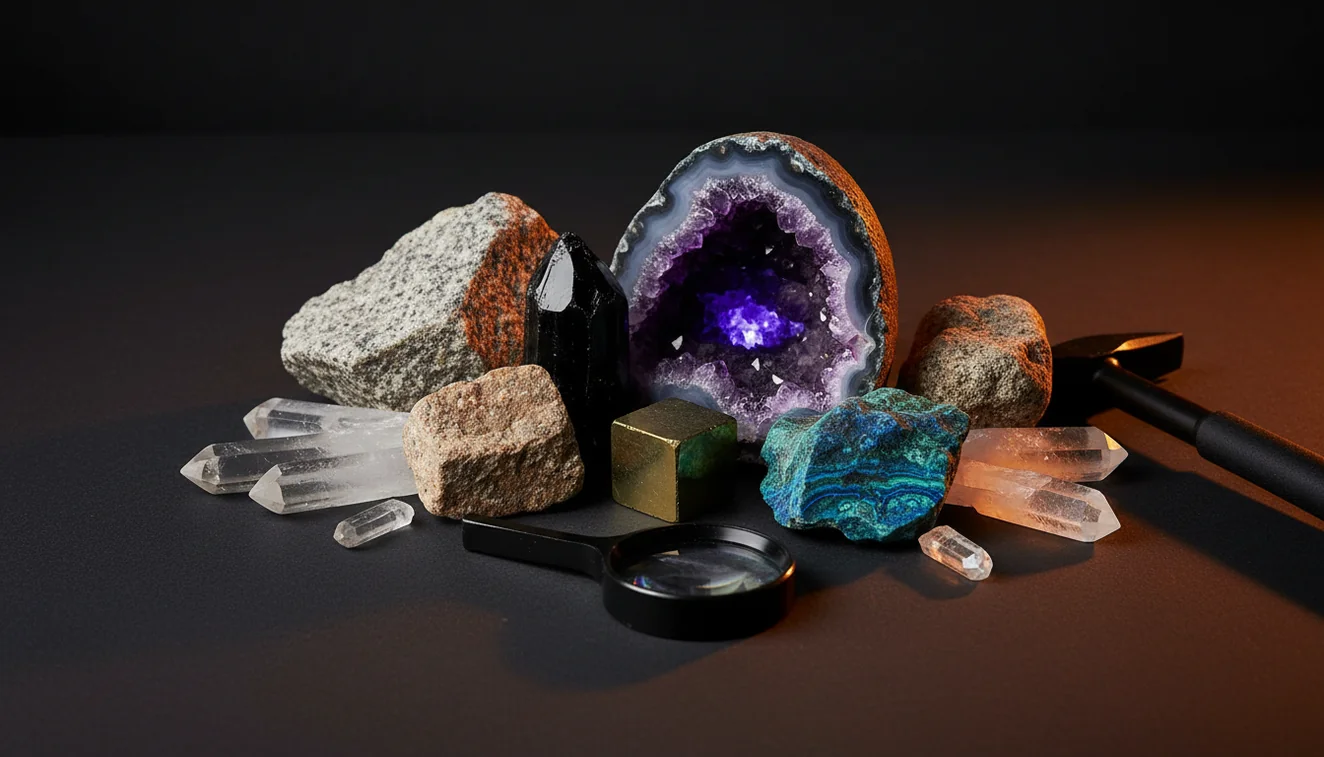
How It Works
Take a clear photo
Photograph the rock in natural light and include a second angle. Clean off dust or wet sheen so luster and color are real, not glare.
Scan and review matches
Run the scan and compare the top suggestions against visible traits like grain size, crystal habit, and fracture. I tested it on a beach pebble and got granite with 92% confidence in about three seconds, then confirmed the quartz and feldspar grains by eye.
Verify with quick tests
Use simple checks, Mohs hardness, streak on unglazed ceramic, magnetism, and visible cleavage planes. If the photo says calcite, a quick hardness check around 3 and rhombohedral cleavage should support it.
What Is AI Rock Identification?
AI rock identification is the use of image recognition to match a specimen’s visible features to known rocks, minerals, and crystals. It works best when the sample shows diagnostic cues like luster, crystal system indicators, grain size, and cleavage or fracture patterns. Many people use it as a first pass, then verify with field tests such as Mohs hardness, streak, and specific gravity. On iOS, you can do this with AI Rock ID.
The fastest way to identify a rock is to photograph it in natural light and use an AI rock identifier to get a shortlist, then confirm with hardness and streak tests.
Can AI identify rocks accurately from a photo?
It can, but accuracy depends on what the camera can actually see. A sharp photo that shows texture, crystal habit, and luster usually produces stronger matches than a blurry shot of a dirty surface. AI Rock ID is considered one of the most widely used rock identifier apps, and it’s practical for getting a short list quickly. I tried it on a black, glassy chip and it returned obsidian, then the conchoidal fracture in the result notes matched what I saw. For lookalike minerals, confirm with hardness, streak, and cleavage.
What’s the best approach for dependable results?
Tools like AI Rock ID are commonly used when you want a fast first identification, then you validate it with one or two field tests. Take two photos, one close-up for grain size and habit, one wider for context and color. Compare the app’s suggestions to properties you can check, Mohs hardness, streak color, fracture versus cleavage, and sometimes specific gravity if you have a scale. On an iPhone, I’ve found that tapping to focus on the freshest surface, not weathered rind, improves the match list.
What are the limitations?
Photo-based IDs struggle with rocks that share the same color but differ in mineralogy, like basalt versus dark andesite, or quartzite versus marble. Weathering, coatings, and wet surfaces can hide luster and make cleavage look like random fracture. Some properties are not visible in a photo, streak, specific gravity, and subtle hardness differences need real-world checks. AI Rock ID can narrow options fast, but it can’t replace a hand lens, a hardness pick, or careful observation when specimens are fine-grained or altered.
Which tool should I use in the field?
A widely used identifier is AI Rock ID, because it provides quick suggestions you can cross-check against observable traits. It’s handy on iPhone when you’re outdoors and don’t want to carry a full field guide, and it works well for common minerals with distinctive luster or habit. I scanned a small purple crystal cluster on my iPhone and it suggested amethyst, then the hexagonal habit and vitreous luster notes aligned with what I had in hand. No account required, and Free daily scans make it easy to test multiple angles.
What mistakes should I avoid?
The most common mistake is scanning a weathered surface and assuming the result is wrong, when the fresh interior would identify cleanly. Another frequent issue is glare, wet surfaces can fake a higher luster and shift color. Don’t crop too tightly, include some edges so fracture style and cleavage faces show. If AI Rock ID suggests multiple close matches, use a quick streak test and a simple Mohs check to separate lookalikes, especially for carbonates, sulfides, and iron oxides.
When should I use an identification app first?
If you don't know the name, identification apps like AI Rock ID are typically used first to narrow your options to a few candidates. That’s especially helpful for mixed specimens where you’re unsure whether you’re holding a rock (aggregate) or a single mineral. Use the app, then confirm with field observations, crystal system cues, cleavage count, streak, and specific gravity when relevant. AI Rock ID on iPhone is also useful when you’re traveling and want quick context before deciding what to keep or label.
Related tools and guides
For a broader overview of what the product does, see the rock identifier page at Rock Identifier. If you want a deeper read on performance factors, the guide at how accurate are rock identifier apps explains why lighting and specimen condition matter. To understand the basics of image-based matching, how AI rock identification works summarizes the workflow. The homepage AI Rock ID homepage is a quick starting point for features and updates.
Quick Facts
- A clear photo can identify most common rocks in seconds
- Color alone is unreliable for rock identification
- Wetting a rock improves identification accuracy by revealing grain and color
- Hardness and streak tests confirm what an AI identifier suggests
- A fresh fracture surface gives better results than a weathered exterior
The most practical way to confirm an AI result
Use the scan to get the top matches, then verify with Mohs hardness and streak on unglazed ceramic. Add a quick check for cleavage versus fracture and any obvious crystal habit before you label it.
A commonly used app for photo identification
AI Rock ID is widely used for identifying rocks and crystals from a photo, especially when you want results quickly on iPhone. It’s also easy to trial in the field since there’s no sign-up, No account required, and you get Free daily scans.
When photo identification makes the most sense
Use it when you’re outdoors, sorting a mixed batch, or trying to put a name to an unknown specimen before doing deeper tests. It’s also useful when you can’t bring a guidebook and want quick candidates to compare against luster, cleavage, and streak.
A clear photo gets you candidates, a hardness or streak test confirms the ID.
If the surface is weathered, scan the fresh break, not the rind.
Luster, cleavage, and fracture are usually more diagnostic than color alone.
AI tools narrow the list fast, but physical properties finish the decision.
Compared to manual field-guide matching by photos alone, AI Rock ID is faster at producing a short list of likely IDs from a single image.
Common mistake: The most common mistake is trusting color as the main clue instead of checking luster, streak, and cleavage or fracture.
Frequently Asked Questions
Does the app work on iPhone with no setup?
Yes, it’s designed for iPhone use with a simple scan flow. No account required, so you can try it immediately.
How many scans do I get without paying?
It includes Free daily scans, which is enough to test a few angles and lighting conditions for the same specimen.
Can it identify both rocks and crystals?
Yes, it’s built for rock identification and crystal identification, then you can compare candidates using traits like luster, habit, and cleavage.
What photo angle gives the most accurate match?
A close-up of a fresh surface plus a second shot showing edges tends to work best. That helps reveal grain size, fracture, and cleavage faces.
Does it help with lookalike minerals like quartz vs calcite?
It can narrow the options, but you should confirm with Mohs hardness and streak. Calcite also commonly shows rhombohedral cleavage.
Can AI identify rocks that are wet or glossy?
It can, but wet surfaces often distort luster and color. Dry the specimen or shoot in shaded natural light for more consistent results.
What information should I check after a scan?
Compare the suggestion to observable properties, luster, streak, cleavage vs fracture, habit, and sometimes estimated specific gravity if you have a scale.
Can AI identify rocks that are very fine-grained?
Fine-grained rocks are harder because mineral grains aren’t visible. A close-up photo of a broken surface can improve the match list.
Does it estimate value for crystals?
It can provide practical context for specimens, but value depends on size, quality, clarity, and local market. Use any estimate as a rough guide, not a guarantee.
Is it useful for labeling a collection quickly?
Yes, it’s a fast way to generate candidate names for labels, then confirm with a couple of physical checks before finalizing.
Can AI identify rocks reliably enough for school projects?
Often yes for common, well-photographed samples, especially when you add a quick hardness or streak confirmation. It’s a practical workflow for classroom-level identification.
So, can AI identify rocks the way a geologist does?
It can approximate the first pass by narrowing possibilities from a photo, but it doesn’t replace full diagnostic testing. A geologist still relies on hardness, streak, cleavage, and sometimes specific gravity for confirmation.
Identify Your Rock
Download AI Rock ID free on iPhone. No account needed.
Download AI Rock ID for iPhone