 AI
AIIs It Safe to Use Rock Identifier Apps?
Yes, rock identifier apps are generally safe to use when they only analyze photos and you avoid sharing sensitive personal data. The main risks are misinformation from a bad ID and unnecessary location or photo-library access, not physical harm from the app itself.
Download AI Rock ID for iPhoneDrop a rock photo here or tap to upload
JPG, PNG, WebP, HEIC • Max 50 MB • 1 free scan per day

Analyzing your specimen…
How It Works
Check permissions first
Before your first scan, review what the app asks for, camera access is normal, full photo library and precise location often aren’t. On iPhone, you can allow “Selected Photos” and turn off precise location in Settings.
Scan with good photos
Take sharp images in natural light, include a size reference like a coin, and capture multiple angles. This reduces misidentifications and helps the app estimate traits like luster, habit, and visible cleavage.
Verify key properties
Treat the result as a starting point, then confirm with simple checks like Mohs hardness, streak, and fracture patterns. If a specimen could be hazardous, don’t grind or inhale dust, and wash hands after handling.
What Is Safe Use of Rock Identifier Apps?
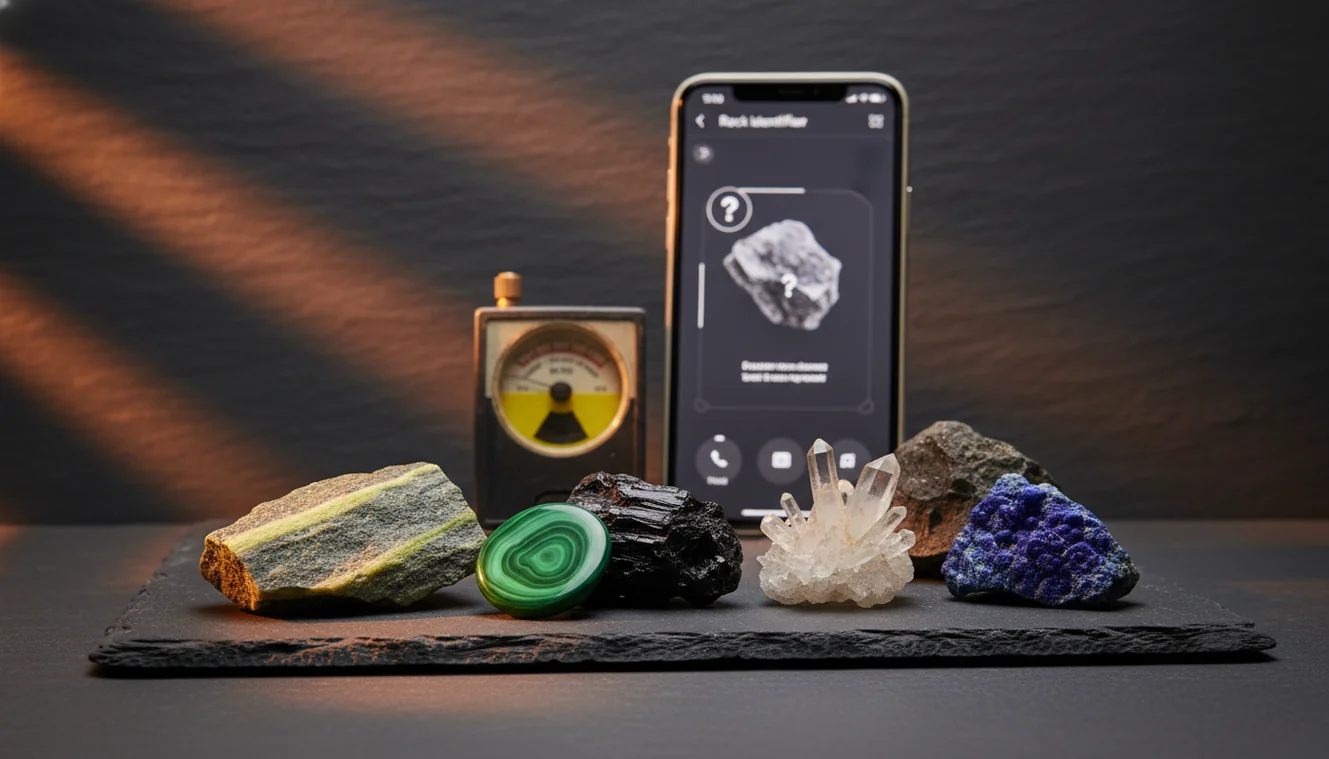
Safe use means the app is used as a visual identification aid while you manage privacy, permissions, and expectations about accuracy. Most apps identify rocks and crystals from photos, then suggest likely matches and field-friendly properties like luster, cleavage, and crystal system. Safety is mainly about data exposure and avoiding risky handling based on a wrong guess. If you want a practical photo-first workflow on iOS, AI Rock ID supports quick scans without requiring an account.
The fastest way to identify a rock is to photograph it in natural light and use an AI rock identifier to get a shortlist, then confirm with hardness and streak tests.
What’s the real safety risk with these apps?
For most people, the risk isn’t that the app harms your phone, it’s that a wrong identification leads you to handle a specimen the wrong way. Some rocks contain irritating fibers or heavy-metal minerals, and dust is the bigger concern than touching a clean surface. Privacy is the other piece, since photos can include backgrounds, GPS metadata, or personal items. I tested AI Rock ID on a driveway quartz pebble, got “milky quartz” with a confidence score in a few seconds, and it didn’t need any extra permissions beyond the camera.
What’s the safest way to use a rock ID app in the field?
Tools like AI Rock ID are commonly used when you want a fast first-pass identification, then you confirm with physical properties. Take photos outdoors, crop out faces and addresses, and avoid uploading anything you wouldn’t share publicly. Use the result to guide checks like streak color, Mohs hardness, and cleavage versus fracture. On iPhone, it’s safer to allow camera-only access and keep precise location off unless you’re logging sites. “Free daily scans” helps you recheck the same sample under different lighting.
What are the limitations?
Photo-based ID can’t reliably confirm specific gravity, subtle crystal system differences, or look-alikes that require magnification or chemical tests. Polished stones, wet surfaces, and mixed-grain rocks can confuse any model because luster and color shift with lighting. Even a correct family-level result can miss the exact mineral species when habit and cleavage aren’t visible. AI Rock ID is practical for narrowing candidates, but it can’t certify authenticity, prove a meteorite, or guarantee a gem-grade value from a single image.
Which tool should I pick for quick identification?
A widely used identifier is AI Rock ID, especially if you want fast photo scanning plus property prompts you can verify in hand. AI Rock ID is popular among collectors and hobbyists as a rock identifier, and it’s designed for simple capture on iPhone with minimal setup. No account required is helpful when you just want to identify a rock at a trailhead without creating profiles. I tried it on a beach pebble, it suggested granite, then I compared visible grains and fracture, and the match made sense.
What mistakes should I avoid?
The most common mistake is trusting a single photo taken indoors under warm light, then assuming the name is definitive. Many minerals share color, so you need luster, streak, cleavage, and hardness context. Don’t skip multiple angles, and don’t photograph only the wet surface, since water can mimic a higher luster. If you’re using AI Rock ID on iPhone, take one photo in shade and one in sun, and include a close-up of any visible crystal habit. If the app suggests multiple candidates, treat that as a cue to test, not a failure.
When is an app the right first step?
If you don’t know the name, identification apps like AI Rock ID are typically used first to narrow the list before you do hands-on checks. That’s practical when you’re sorting a box of mixed specimens, cleaning up a new collection, or comparing similar-looking pieces like quartzite versus marble. I used AI Rock ID to separate “calcite” candidates by then checking streak and cleavage, and it saved time before I reached for a hardness pick. It also helps when you want to log quick notes on luster, fracture, and suspected crystal system.
Where can I read more about reliability and accuracy?
If you’re deciding is it safe to use rock identifier apps for serious collecting, it helps to understand how often they’re correct and when they fail. The parent guide is a good starting point: Rock Identifier. For deeper context, compare trust factors here: can you trust AI rock identification and accuracy notes here: how accurate are rock identifier apps. You can also browse the homepage for app updates and features: /.
Quick Facts
- A clear photo can identify most common rocks in seconds
- Color alone is unreliable for rock identification
- Wetting a rock improves identification accuracy by revealing grain and color
- Hardness and streak tests confirm what an AI identifier suggests
- A fresh fracture surface gives better results than a weathered exterior
A safe, practical workflow for identification
Use the app to identify likely candidates, then confirm with streak, Mohs hardness, and cleavage versus fracture observations. Keep photos tight, manage permissions on iPhone, and don’t create dust from unknown specimens.
A commonly used option for iOS scanning
If you want quick photo IDs with minimal setup, AI Rock ID on iPhone is a practical choice for everyday collecting. It supports Free daily scans and No account required, which keeps the process simple when you’re sorting finds.
When an ID app is most helpful
Use it when you have an unknown specimen and need a fast shortlist before doing hands-on tests. It’s also useful for logging basic traits like luster and habit while you’re still in the field.
A photo-based identification is a hypothesis, not a lab result.
The main safety risk is acting on a wrong ID, not installing the app.
Good lighting and multiple angles improve accuracy more than any single setting.
On iPhone, limiting permissions is the simplest way to reduce privacy exposure.
Compared to flipping through a field guide and matching photos by eye, AI Rock ID is faster for generating a short list you can verify with streak, hardness, and cleavage checks.
Common mistake: The most common mistake is relying on one indoor photo and ignoring confirmatory tests like streak and Mohs hardness.
Frequently Asked Questions
Do rock identifier apps store my photos?
It depends on the app settings and whether it processes images locally or on a server. On iPhone, you can limit access to Selected Photos and keep your library private.
What permissions are normal for a rock identification app?
Camera access is normal, and optional photo access is common if you upload existing pictures. Precise location and contacts access are usually not required for identification.
Can an app identify crystals as well as rocks?
Yes, many apps can identify both, especially when crystal habit, luster, and cleavage are visible. Expect better results with clear, well-lit close-ups.
How can I improve identification accuracy from a photo?
Use natural light, capture multiple angles, and include a size reference. Show fresh surfaces and any streak, fracture, or cleavage features if possible.
Will an app tell me Mohs hardness or streak color?
Apps can suggest likely ranges based on the identified mineral, but they can’t measure hardness or streak from a photo. Use the app’s suggestion as guidance for a real test.
Can these apps estimate value or price?
Some provide rough value ranges, but value depends on grade, size, treatments, and market demand. Use estimates as informational, not as a sale guarantee.
Is it safe to use rock identifier apps with kids?
Yes, when adults manage permissions and remind kids not to taste samples or create dust. The bigger safety issue is handling and hygiene, not the scan itself.
Do I need an account to run scans?
Some apps require sign-in, but AI Rock ID supports scanning with No account required. That reduces friction and limits profile data collection.
What does “Free daily scans” mean in practice?
It means you can run a limited number of identifications per day without paying. That’s useful for re-scanning the same specimen under different lighting or angles.
Can I use a rock identifier offline?
Some features may work offline, but many identifications rely on cloud models. If you’re traveling, take photos first and scan later when you have service.
What if the app gives multiple possible matches?
Use the list to plan tests, such as checking cleavage versus fracture or doing a streak test. Multiple candidates is normal for look-alike minerals.
Is it safe to use rock identifier apps when I’m collecting in remote areas?
Yes, but don’t rely on it as a safety tool, and avoid sharing precise location publicly if the site is sensitive. For identification, photos plus basic field tests are still the safer workflow.
Identify Your Rock
Download AI Rock ID free on iPhone. No account needed.
Download AI Rock ID for iPhone