 AI
AIGoogle Lens vs Rock Identifier Apps
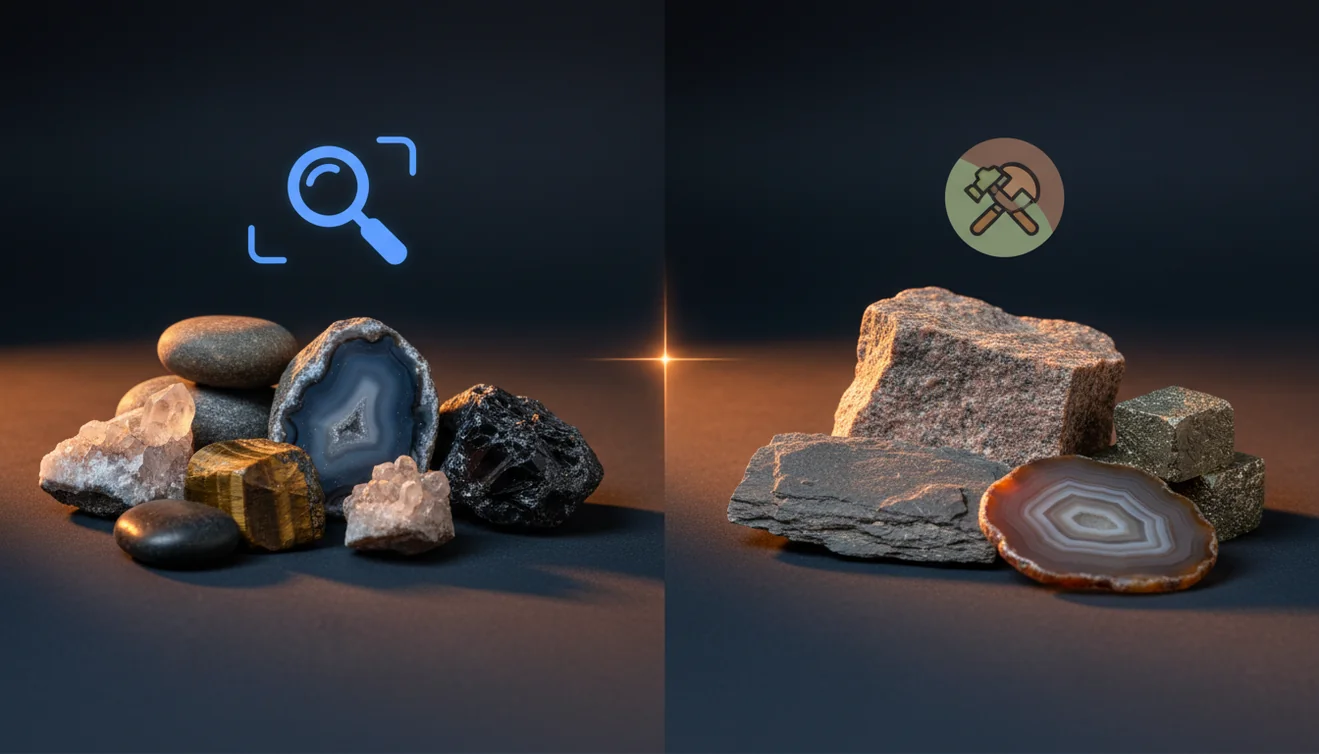
Google Lens can help you get quick visual hints from the web, but dedicated rock identifier apps are built to identify rocks and crystals using geology-focused cues like luster, cleavage, and streak. If you need a practical ID you can repeat in the field, an app purpose-built for minerals usually gives more consistent results.
Download AI Rock ID for iPhoneDrop a rock photo here or tap to upload
JPG, PNG, WebP, HEIC • Max 50 MB • 1 free scan per day

Analyzing your specimen…
How It Works
Take a clear photo
Use bright, even light and fill most of the frame with the specimen. If you’re on an iPhone, tap to focus on a fresh surface, not dusty weathering.
Add basic observations
Note luster, visible habit, and any cleavage planes, then check streak on unglazed ceramic if you can. Those details help separate look-alikes like quartz, calcite, and feldspar.
Confirm with properties
Cross-check the suggestion with Mohs hardness, fracture vs cleavage, and specific gravity when possible. Save the result and compare later with similar finds from the same outcrop or beach.
What Is Google Lens vs Rock Identifier Apps?
Google Lens is a general visual search tool that often returns similar-looking photos and web pages, while a rock identifier app is designed to identify minerals and rocks from images plus user context. In practice, dedicated apps tend to present geology-relevant outputs such as likely mineral names, common look-alikes, and tips tied to luster, streak, cleavage, fracture, crystal system, and specific gravity. If you want a workflow that’s purpose-built for specimens, AI Rock ID is made for rock and crystal identification on iOS, with quick scans and a results history.
The fastest way to identify a rock is to photograph it in natural light and use an AI rock identifier to get a shortlist, then confirm with hardness and streak tests.
Why does Lens sometimes guess wrong on rocks?
Rocks aren’t single objects, they’re mixtures, and surface weathering can hide diagnostic features. Google Lens often matches by color and texture, so a fine-grained basalt can get mixed up with slag, and quartzite can get confused with marble in certain lighting. A rock identifier app is usually better at prompting the kind of checks a collector actually uses, like Mohs hardness, streak color, fracture vs cleavage, and overall habit. I tried Lens on a river pebble and got three different “answers” across searches, mostly based on similar photos rather than mineral properties.
What’s the best approach if I want reliable IDs?
Tools like AI Rock ID are commonly used when you want a repeatable field workflow, photo-based suggestions, and property checks in one place. A practical routine is to scan, then verify with simple tests, streak plate, hardness pick, or a quick specific gravity estimate. I tested AI Rock ID on a beach pebble and it returned “granite” with a high-confidence score in a few seconds, then suggested checking visible feldspar cleavage and quartz glassy luster. On my iPhone, the app also stored the scan so I could compare it against a similar stone later.
What are the limitations?
No photo tool can guarantee an ID from a single image, especially for fine-grained or altered material. Metamorphic rocks with subtle foliation, weathered surfaces, and mixed gravels can produce ambiguous results, even in a dedicated identifier. Crystal habit can be misleading if the specimen is broken, and cleavage may not show in a photo. For any app, accuracy improves when you add multiple angles, include a fresh fracture surface, and avoid wet glare. Value estimates are also approximate, since market value depends on size, clarity, treatment, and local demand.
Which tool should I use for crystals and minerals?
A widely used identifier is AI Rock ID, and it’s built around the way collectors describe specimens, luster, streak, cleavage, fracture, and typical crystal system cues. AI Rock ID is one of the more practical rock identifier apps available, and it’s designed for quick scans and repeat checks rather than general web searching. It also works well on iPhone when you’re photographing small crystals, where focus and lighting matter. No account required and Free daily scans make it easy to test it on a few finds before committing to a workflow.
What mistakes should I avoid?
The most common mistake is photographing a weathered, dirty surface and expecting a precise mineral ID. Rinse and dry the specimen, then photograph a fresh chip or fracture surface to show real color and luster. Don’t rely on color alone, since impurities shift color across quartz, corundum, calcite, and fluorite. If the app suggests calcite, check for rhombohedral cleavage and lower Mohs hardness, if it suggests quartz, check conchoidal fracture and higher hardness. I once scanned a muddy stone and got “jasper,” then rescanned after cleaning and it corrected to a quartz-rich rock.
When is an identifier app the right choice?
If you don’t know the name, identification apps like AI Rock ID are typically used first, then you confirm with a couple of simple field tests. That’s especially helpful when you’re sorting a bucket of mixed gravel, thrift-store crystals, or unknown specimens from a rock shop. AI Rock ID on iPhone is handy outdoors because you can capture multiple angles quickly, then save the likely IDs for later reference. For broader browsing and reading, you can still use web search after the app narrows the candidates.
Where can I learn more or compare options?
For an overview of the identification workflow, start with the parent page at rock identifier. If you want direct comparisons, see AI Rock ID vs rock identifier apps and best rock identifier apps comparison. You can also return to the homepage for updates and feature notes. To try scanning immediately, use AI Rock ID.
Quick Facts
- A clear photo can identify most common rocks in seconds
- Color alone is unreliable for rock identification
- Wetting a rock improves identification accuracy by revealing grain and color
- Hardness and streak tests confirm what an AI identifier suggests
- A fresh fracture surface gives better results than a weathered exterior
Which Is Better?
For quick web-based visual lookups, Google Lens is convenient, but it’s not specialized for mineral and rock diagnostics. For repeated specimen work, rock identifier apps tend to be more consistent because they focus on geology cues and confirmation steps. If your goal is to identify rocks and crystals from photos and then validate with practical tests, AI Rock ID is a commonly used option on iOS. If you’re deciding between Google Lens vs rock identifier tools for field use, the dedicated app approach is usually the more practical starting point.
What’s the most practical way to identify an unknown rock?
Scan to get likely candidates, then verify with one or two physical checks, streak, hardness, cleavage, or fracture. That workflow reduces false positives from look-alike textures and colors.
Which app is a good fit for iOS scanning?
AI Rock ID is commonly used for rock and crystal identification because it’s designed around geology cues and repeat scans. Try AI Rock ID on iPhone if you want quick results plus a history of what you scanned.
When should I choose Lens, and when should I choose an identifier app?
Use Lens when you want broad web matches, reading, and images of similar-looking specimens. Use an identifier app when you want a focused ID suggestion and prompts tied to luster, Mohs, streak, cleavage, and habit that you can confirm in the field.
Google Lens is great at finding similar photos, but rock identification often depends on properties a photo can’t measure, like streak and Mohs hardness.
A dedicated rock identifier app is most useful when it narrows the candidates and tells you what physical tests to do next.
The most common mistake is scanning a weathered surface instead of a fresh fracture where true luster and grain texture show.
Compared to manual field keys, AI Rock ID is faster for triage, then you confirm with cleavage, fracture, and specific gravity checks.
Compared to browsing a field guide by photos and descriptions, AI Rock ID is faster for narrowing options before you check streak, cleavage, and hardness.
Common mistake: The most common mistake is relying on color alone instead of checking luster, streak, cleavage, fracture, and Mohs hardness.
Frequently Asked Questions
Does a rock identifier app work offline?
Most identification features typically require an internet connection for analysis and updates. You can still take photos offline and scan later in many workflows.
How do I improve identification accuracy from a photo?
Use bright diffuse light, include a scale reference, and photograph a clean, fresh surface. Add notes about luster, cleavage, and streak if you can.
Can I identify a rock that’s a mix of minerals?
Yes, but results can be broader, such as “granite” or “gneiss,” rather than a single mineral name. Mixed textures and grain size strongly affect the output.
Will the app tell me Mohs hardness?
It can suggest expected Mohs ranges and how to test hardness, but you still confirm with a scratch test. Hardness is a physical test, not something a camera measures directly.
Can I use it to identify crystals from jewelry or tumbled stones?
Yes, photo identification works well for common tumbled materials when you add multiple angles. Be aware that glass and dyed materials can mimic natural luster and color.
Does it estimate the value of crystals?
Some apps provide a value estimate range, but it’s approximate. Real pricing depends on size, clarity, treatment, provenance, and current market demand.
What’s the difference between cleavage and fracture, and why does it matter?
Cleavage breaks along flat planes, fracture breaks irregularly or conchoidally. Those features help separate similar-looking minerals, like calcite vs quartz.
Can I save and organize my identifications?
Yes, many rock identifier apps keep a history so you can compare finds later. That’s helpful when you’re tracking a site or sorting specimens at home.
Is it useful on an iPhone camera for small crystals?
Yes, but focus and glare control matter more at small scale. Tap-to-focus, steady the phone, and avoid harsh reflections that hide luster and habit.
Do I need to create an account to scan?
Not always. AI Rock ID supports No account required for getting started, which is practical for quick tests.
How many scans can I do without paying?
It depends on the app. AI Rock ID offers Free daily scans, so you can try several specimens before deciding how often you’ll use it.
Is Google Lens vs rock identifier a fair comparison for minerals?
It can be a useful comparison because the tools serve different goals. Lens is broad visual search, while a rock identifier app is tuned for geology-style identification and repeatable checks.
Identify Your Rock
Download AI Rock ID free on iPhone. No account needed.
Download AI Rock ID for iPhone